

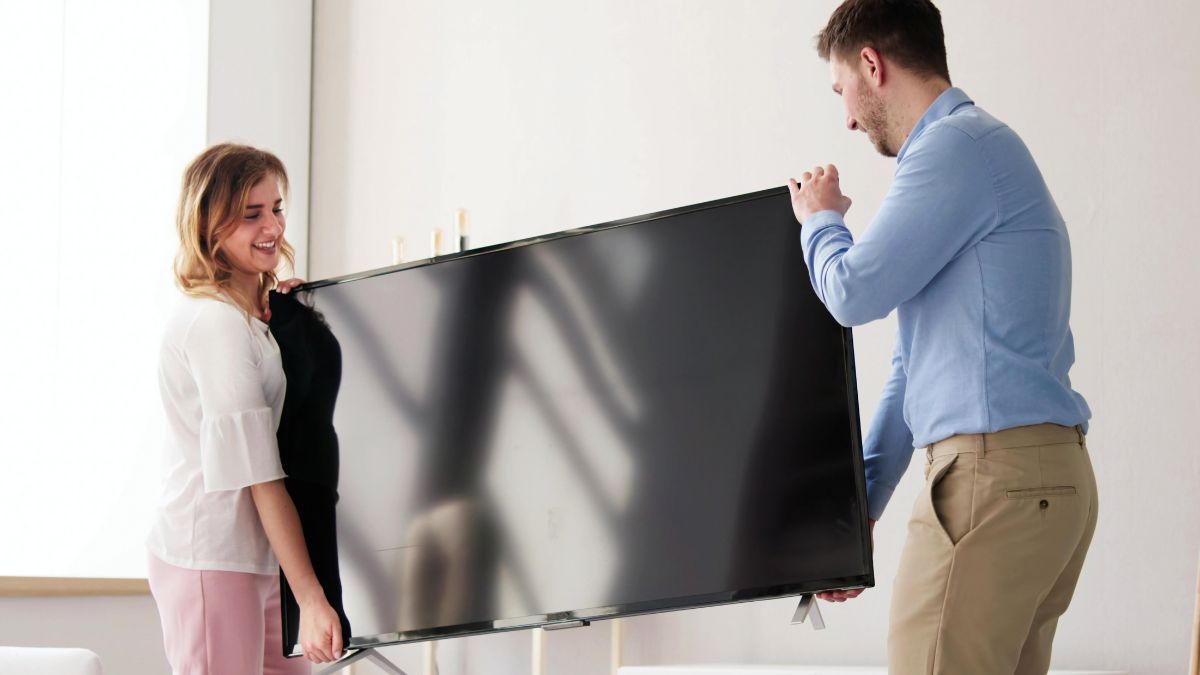
Moving a television requires more care than packing many other household items because the screen and internal parts can be damaged by pressure, impact, or sudden movement.
Using the right materials and packing steps can help protect the television from the time it leaves your home until it reaches its new location. This article goes over the best ways to protect and prepare a TV during a move.
How To Pack A TV For A Move
Learning how to pack a TV starts with preparing the television before placing any protective material around it. Turn the TV off, unplug it, and allow it to cool before packing.
Remove any connected devices, cables, stands, wall mount parts, or other accessories that could move around or press against the screen during transportation.
Before wrapping the television, take a quick photo of the back so you have a record of where important cables were connected. Clean away loose dust with a soft cloth and check that nothing is still attached to the ports.
Preparing the television carefully before wrapping it can prevent loose parts and accessories from causing damage during the move.
Once everything has been removed, the TV can be protected with materials designed to reduce contact, pressure, and movement.
Keep the Television Upright During Transportation
When you pack a TV for transportation, plan to keep it upright instead of laying it flat. Modern televisions are generally designed to remain in a vertical position, and placing a large flat-screen television horizontally may put unwanted pressure on the display. Other boxes or moving items should never be stacked on top of the television.
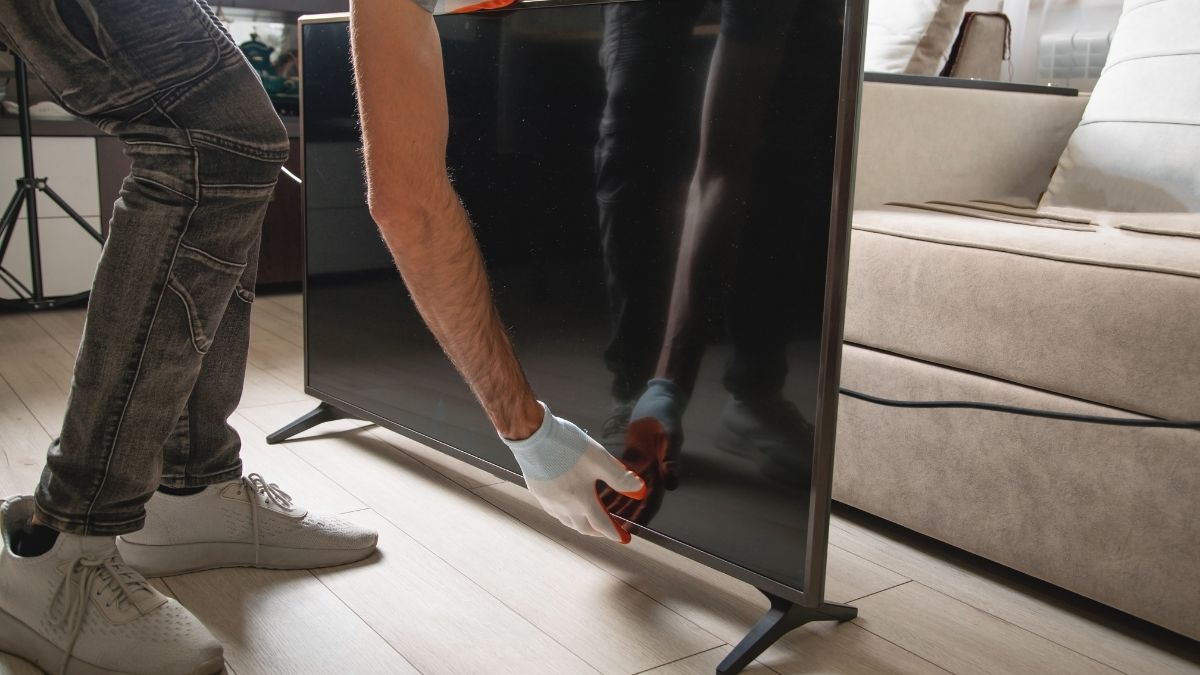
Choose a secure location in the moving vehicle where the TV will not slide, tip, or become trapped between heavy objects.
A television that stays upright and properly supported is less likely to experience damaging pressure or sudden impacts while the vehicle is moving.
Place the television against a stable surface when possible and use appropriate padding around it. Make sure nearby furniture, boxes, and equipment cannot shift into the TV during turns, stops, or changes in road conditions.
Wrap the Screen With a Protective Cover
The screen is one of the most vulnerable parts of a television, so it should receive extra protection. When you pack a TV, begin with a soft protective layer that will not scratch or place unnecessary pressure on the display.
A clean moving blanket, foam sheet, or television cover can create a barrier between the screen and the harder packing materials around it.
The protective material should cover the entire television without pressing tightly against the center of the screen. Secure the covering around the television rather than placing tape directly on the TV.
Avoid allowing tape, adhesive, or rough materials to touch the display because they could leave residue or cause surface damage.
Pay attention to the corners and edges as well, since these areas may be exposed to impacts during transport or packing.
Secure Cables and Accessories Separately
Cables, remote controls, power cords, stands, mounting hardware, and streaming devices should be removed before you pack a TV.
Leaving accessories attached can create several problems. A cable may pull against a port, a stand may place stress on the television frame, or a loose remote may move around inside the box and strike the screen.
Place cables and smaller accessories in a separate labeled bag or small box. Cords can be loosely coiled and secured so they do not become tangled, while screws and mounting hardware can be placed in a sealed bag.
Labeling these items makes it easier to identify which pieces belong with the television when you arrive.
Keeping accessories organized separately protects the television while also making the setup process easier at the new home.
Choose a Moving Box That Fits the Television
Using the correct box is an important step when you pack a TV because a box that is too large can allow excessive movement.
If you still have the television’s original box and protective inserts, they may provide a useful fit because they were made for that particular television.
If the original packaging is unavailable, a box designed specifically for moving televisions can provide another option.
The television should fit securely inside the box while still leaving enough room for protective padding around the screen, edges, and corners.
A box that is too tight may place pressure on the television, while an oversized box may allow it to shift during transportation.
Measure the television before selecting a box and remember to account for the protective materials that will be wrapped around it.
Once the television is inside, close the box carefully and make sure the top and bottom are properly secured.
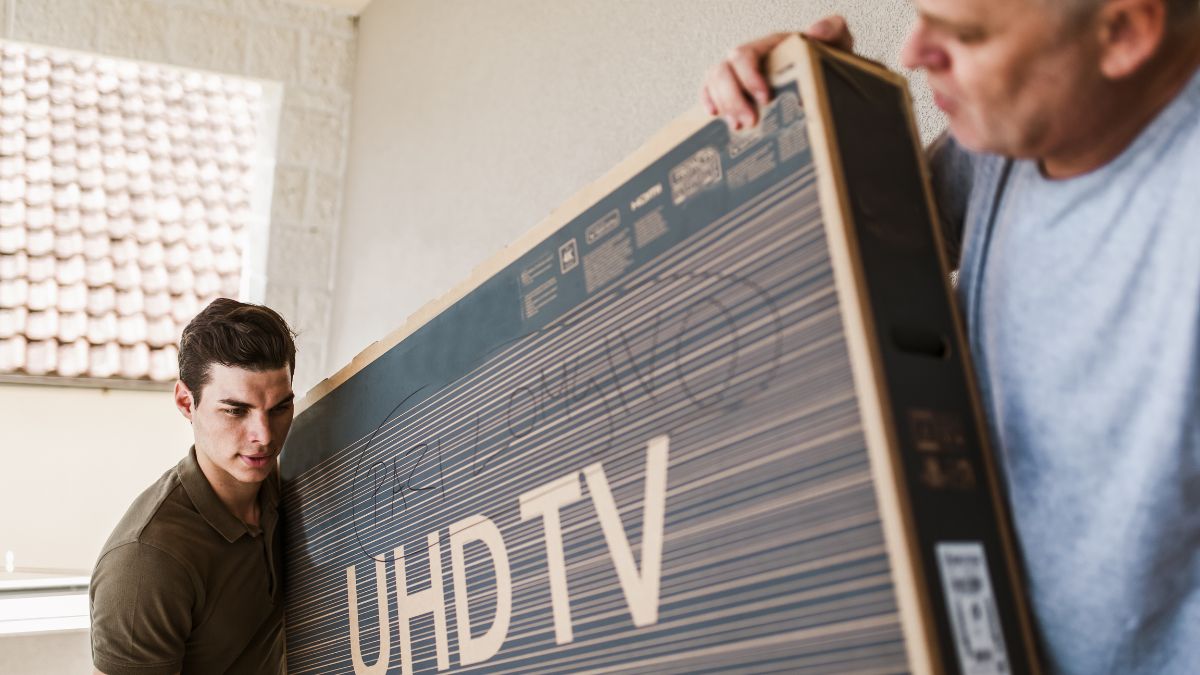
Mark the outside so anyone handling it knows that the box contains a television and should remain upright. Avoid placing heavy boxes or furniture against areas where they could put direct pressure on the screen.
Fill Empty Box Space to Limit Movement
Even with a properly sized box, small open spaces may remain around the television. When you pack a TV, these spaces should be filled with suitable cushioning so the television cannot shift from side to side.
Foam padding, packing paper, corner protectors, or other soft moving materials can help create a more stable fit without placing excessive pressure on the display.
Pay close attention to the top, bottom, and corners because these areas can experience movement when the box is lifted or placed inside the moving vehicle.
Add enough cushioning to hold the television securely, but do not force large amounts of material into the box. Too much tightly packed material can create pressure instead of protection.
A well-cushioned box should limit movement while avoiding unnecessary force against the television and its screen. Before sealing the box completely, gently check whether the television appears secure inside.
If it can shift noticeably, add padding where needed. Once the TV is stable, close the box securely and keep it upright throughout loading, transportation, unloading, and storage.